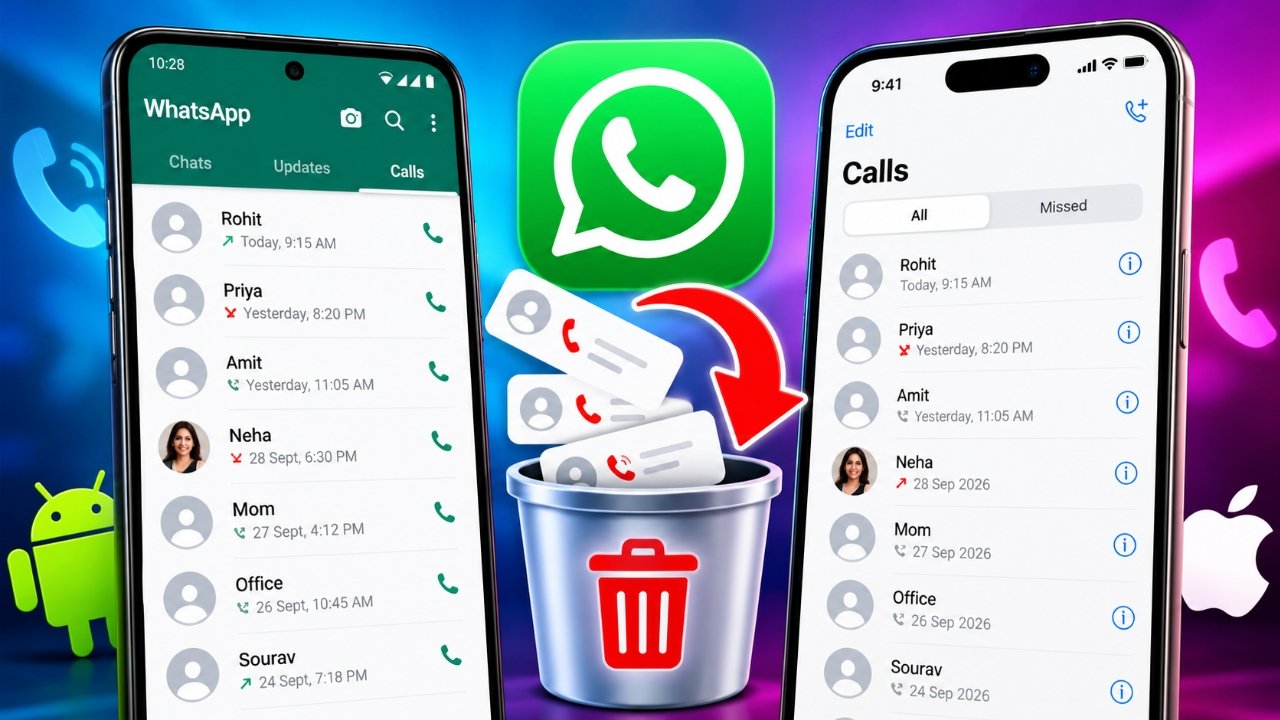
WhatsApp makes it easy to stay connected with friends, family, and colleagues through voice and video calls. However, if you use the app frequently, your call list can quickly fill up with old, missed, incoming, and outgoing calls.
If you want to keep your WhatsApp Calls section organized or remove records you no longer need, you can delete individual entries or clear the available call history. The process depends on whether you use an Android phone or an iPhone.
In this guide, you will learn how to delete WhatsApp call history on both devices, what happens after deletion, and a few important things to consider before removing your call records.
Also Read: How to Delete Call History on Android and iPhone
What Is WhatsApp Call History?
WhatsApp call history is the list of calls displayed in the Calls section of the app. It helps you check your recent calling activity without opening individual chats.
Depending on your activity, the list may include:
- Voice calls
- Video calls
- Incoming calls
- Outgoing calls
- Missed calls
You can remove selected entries or clear the available call list using the options provided by WhatsApp. Keep in mind that deleting call records is different from deleting your messages, photos, videos, or other chat content.
How to Delete WhatsApp Call History on Android
Android users can remove a particular call record or clear the call list, depending on the options available in their version of WhatsApp.
Method 1: Delete an Individual Call Record
If you only want to remove one entry, there is no need to clear your entire call history.
Follow these steps:
- Open WhatsApp on your Android phone.
- Go to the Calls tab.
- Find the call record you want to remove.
- Press and hold the selected entry if your version supports this action.
- Tap the delete or trash icon, if available.
- Confirm your choice if prompted.
The selected entry should disappear from your WhatsApp call list.
If pressing and holding does not show a delete option, check the call details or selection menu in your current version of WhatsApp.
Method 2: Clear the WhatsApp Call List
If you want to remove several old records at once, check whether your WhatsApp version offers a clear call history option.
- Launch WhatsApp.
- Open the Calls tab.
- Tap the three-dot menu in the upper-right corner, if available.
- Look for an option such as Clear call log.
- Review the action and confirm it if you want to proceed.
The available menu options can vary between WhatsApp versions. If you cannot find this option, update WhatsApp from the Google Play Store and check the Calls section again.
How to Delete WhatsApp Call History on iPhone
On an iPhone, you can remove individual call entries from the WhatsApp Calls section. The exact controls may vary slightly depending on your app version.
Method 1: Remove a Single Call
To delete one call record on your iPhone, follow these steps:
- Open WhatsApp on your iPhone.
- Tap Calls at the bottom of the screen.
- Locate the call you want to remove.
- Swipe left on the call entry, if supported.
- Tap Delete to remove the selected record.
Only the selected entry should be removed from the visible call list.
Method 2: Clear the Entire Call History
If you want to remove all available call records, look for the call management options in WhatsApp.
- Open WhatsApp and go to Calls.
- Tap Edit in the upper-left corner, if available.
- Look for Clear or the option to select multiple entries.
- Choose the appropriate action.
- Confirm the deletion if prompted.
If these options do not appear, your version of WhatsApp may use a different layout. Check the available controls in the Calls section before proceeding.
Does Deleting WhatsApp Call History Delete Chats?
No. Removing call entries from the WhatsApp Calls section does not normally delete your WhatsApp conversations.
The following information remains separate from the visible call list:
- Individual and group chats
- Messages and shared documents
- Photos and videos stored in conversations
- Contact information
- Other chat-related media
For example, if you delete a video call entry with a friend, your existing conversation with that person should remain available.
However, deleting a call record from WhatsApp does not necessarily remove every related record that might exist elsewhere on your phone or in other systems.
Can Deleted WhatsApp Call History Be Recovered?
Recovering deleted call records is not always straightforward. The result may depend on your WhatsApp version, backup settings, and the information included in a backup.
If you restore an older backup, some previously stored WhatsApp information may return, but you should not assume that deleted call records will be recovered.
Before restoring a backup, consider the following:
- Check the date of your latest backup.
- Understand that restoring an older backup may affect newer chat data.
- Avoid deleting or reinstalling WhatsApp without checking your backup status.
- Do not rely on third-party recovery apps that promise guaranteed recovery of deleted call records.
If you have already removed a call entry, WhatsApp may not provide a direct way to bring it back.
Why Should You Clear Old WhatsApp Call Records?
There are several reasons why someone might want to remove old calls from WhatsApp.
1. Keep Your Call List Organized
A long list of previous calls can make it harder to find recent activity. Removing unnecessary entries can make the Calls section easier to navigate.
2. Improve Everyday Privacy
You may prefer to keep fewer old call entries visible when someone uses your phone. Deleting them can help manage what appears in the app, although it does not guarantee that all traces of the calls have been removed.
3. Remove Unnecessary Records
Some call entries may no longer be useful. Removing them can help you maintain a cleaner and more manageable call list.
4. Prepare Your Phone Before Giving It Away
If you plan to sell, exchange, or give your phone to another person, deleting call records alone is not enough to protect your personal information. You should also review your chats, media, accounts, and other personal data before handing over the device.
Important Things to Know Before Deleting Call History
Before removing your WhatsApp call records, keep these points in mind:
- Deletion may be difficult to reverse: You may not be able to recover removed entries directly through WhatsApp.
- Chats are separate: Clearing call history does not normally delete your conversations.
- Options can vary: The steps may differ according to your device, operating system, and WhatsApp version.
- Deletion has limits: Removing entries from the Calls section does not guarantee that every related record is erased from all possible locations.
- Automatic cleanup may not be available: Do not assume WhatsApp will automatically delete old call records after a particular period.
If privacy is your main concern, review the other information stored on your phone rather than relying only on clearing the call list.
Frequently Asked Questions (FAQs)
1. Can I delete one WhatsApp call without deleting the entire history?
Yes. WhatsApp versions that support individual call deletion allow you to remove a selected entry without clearing the entire list.
2. Does clearing WhatsApp call history delete messages?
No. Clearing the call list does not normally remove messages, photos, videos, or documents from your conversations.
3. Can I delete WhatsApp video call history?
Yes. Video call entries can generally be removed in the same way as other supported call records.
4. Will the other person know if I delete their call record?
Deleting a call entry from your own WhatsApp call list does not normally send a notification to the other person.
5. Why can’t I find the Clear Call History option?
WhatsApp’s interface and available controls can vary between devices and app versions. Check the Calls section for selection or deletion options and make sure your app is updated.
6. Does deleting WhatsApp call history free up storage space?
Removing call entries is primarily intended to manage the visible call list. It is not a reliable way to free up a significant amount of phone storage. If you need more space, review WhatsApp’s storage management settings instead.
Also Read: WT Hub – Web Scanner App: Features, How to Use and Safety Tips
Final Thoughts
Deleting WhatsApp call history is a simple way to keep your recent calling activity organized. Whether you use Android or an iPhone, you can check the Calls section for options to remove individual entries or clear multiple records.
Before deleting anything, make sure you understand the available options in your version of WhatsApp. Remember that removing call records does not normally delete your chats or shared media, and it should not be treated as a complete privacy wipe.
By managing your call list carefully, you can keep WhatsApp organized while avoiding the accidental removal of information you still need.
Advertisements