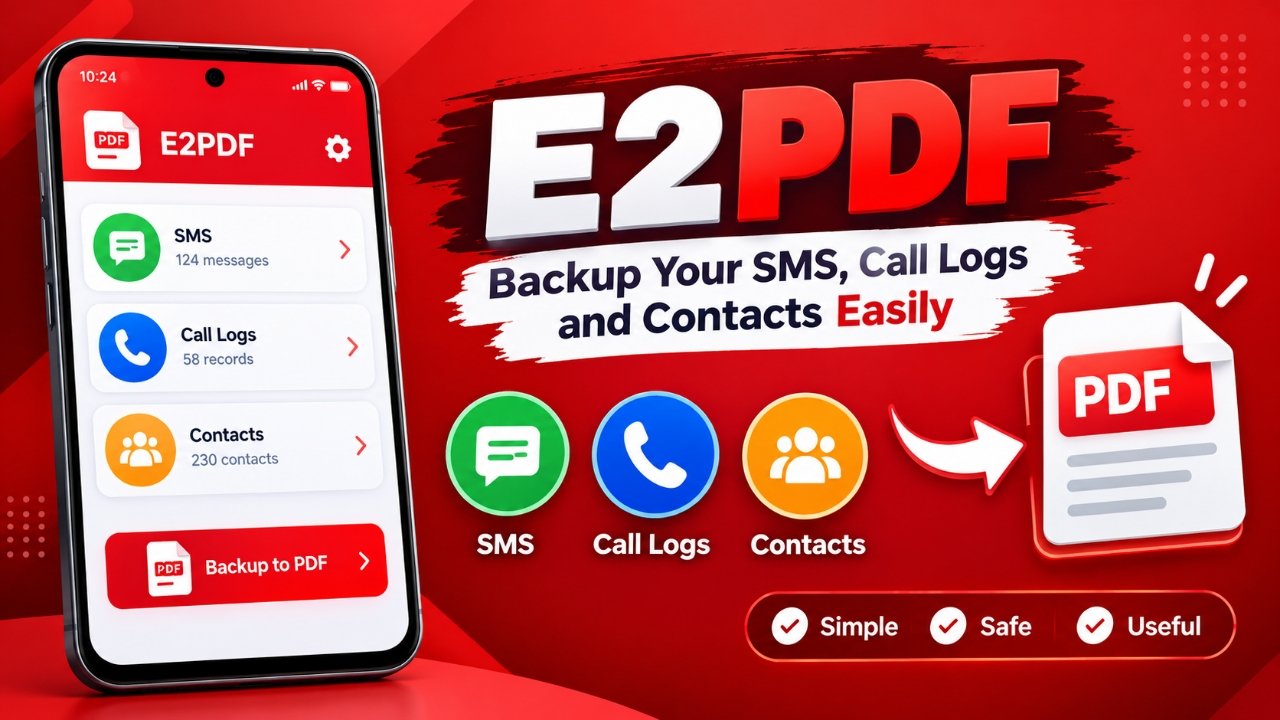
Losing important phone information can be frustrating, especially after switching to another smartphone, resetting a device, or dealing with unexpected data loss. While Android offers several ways to manage personal information, some users may simply want a readable copy of their old messages, call records, or contacts.
That is where E2PDF can be useful. Developed by Day Dreamer LLC, the Android app is designed to export selected phone data into PDF documents. Instead of creating a traditional full-device backup, it focuses on turning specific information into files that can be opened and read later.
Also Read: WT Hub – Web Scanner App: Features, How to Use and Safety Tips
What Does E2PDF Do?
E2PDF is an Android utility for exporting certain types of information stored on a smartphone. Its primary purpose is to create PDF copies of SMS messages, call logs, and contacts.
The PDF approach makes the exported information relatively convenient to view and share. A saved document can also be moved to another storage location for future reference.
The app is mainly aimed at people who want a straightforward export tool rather than a complicated backup solution.
Why You Might Want a Separate Copy of Phone Data
Important information can disappear when a phone is lost, damaged, reset, or replaced. Even when the data itself is not particularly sensitive, users may still want to retain old messages, call records, or contact details.
For instance, someone moving to a new Android phone might want to preserve selected SMS conversations instead of keeping everything on the old device.
E2PDF offers a way to create a separate document containing this information. However, users should avoid treating the phone itself as the only storage location. If the device is damaged or lost, a backup stored exclusively on that same device could be lost as well.
E2PDF Features You Should Know About
Export SMS Messages
One of the main functions of E2PDF is the ability to turn SMS messages into PDF documents. This can be useful if you want to retain a readable record of particular conversations.
Save Call History
The app can also be used to export call-log information. This gives users another way to retain their call history outside the phone’s normal call-log interface.
Export Contacts
E2PDF also supports contact information. Users can create an exported copy of their contacts for reference, depending on the features available in their installed version.
PDF-Based Storage
The use of PDF is one of the app’s notable features. PDF files can generally be opened across a wide range of phones, computers, and other devices without requiring the original backup application.
However, a PDF should be considered a readable record, not a replacement for a complete device backup.
Choose What You Want to Export
Rather than necessarily exporting every supported category at once, the app provides options for selecting the type of information you want to save. The exact choices may vary depending on the app version and Android device.
Straightforward Design
E2PDF is built around a relatively simple concept, so its interface does not require extensive technical knowledge. Users can access the available export functions and create documents without going through a complicated backup setup.
Advantages and Limitations
What We Like
- Simple approach to exporting phone information
- Supports SMS, call logs, and contacts
- PDF files are easy to read on many devices
- Useful for maintaining separate records
- Doesn’t require an elaborate backup process
- Can be helpful for users who only need selected information
Things to Keep in Mind
- The free version may include advertisements
- It is not designed to replace a complete Android device backup
- PDF files are primarily useful as readable records
- Keeping the only copy on the same phone is not recommended
- Features and compatibility can depend on the Android version and current app release
How to Export Data With E2PDF
Using the app is generally straightforward.
Start by installing E2PDF on your Android phone and opening it. Depending on which feature you want to use, the application may request access to SMS, call history, contacts, or other relevant information.
Before granting access, check the permissions carefully and provide only the access you are comfortable giving.
Next, select the type of information you want to export. If the app provides selection options, choose the relevant messages, records, or contact information you want to include.
After making your selection, use the available export option to generate the PDF. You can then name the file appropriately and save it somewhere you can access later.
For information that is important to you, consider keeping another copy in a separate and secure location rather than relying solely on the original phone.
Is E2PDF a Good Backup Option?
E2PDF can make sense if your main goal is to create readable PDF copies of SMS messages, call history, or contacts.
Its straightforward approach may appeal to users who don’t need a complicated backup system. Instead of creating a complete image of the smartphone, the app concentrates on a few specific categories of information.
That distinction is important. If you are looking for a complete Android backup containing apps, settings, photos, files, and other device data, E2PDF should not be considered a substitute for a full backup solution.
Install
Also Read: How to Delete Call History on Android and iPhone
Final Thoughts
E2PDF is a simple Android utility for users who want to preserve selected phone information in PDF format. Its focus on SMS, call logs, and contacts makes it more suitable for creating readable records than for performing a complete device backup.
For someone who wants an uncomplicated way to save selected communication data, the app may be worth considering. Just remember to store important exported files somewhere secure and, ideally, keep a separate copy rather than leaving the only backup on the original smartphone.
Disclaimer: App features, permissions, compatibility, and availability can change with future updates or different Android versions. Check the information shown in the current version of the app before relying on it for important data.
Call Setup, Call Report, Call DT
Advertisements